Find the keepers faster
Review related shots together and keep the strongest frame without opening every file one by one.
 AutoDarkroom
Private photo darkroom for Mac
AutoDarkroom helps you sort through folders you meant to clean up someday, keep the best moments, straighten the wonky ones, crop for social sharing, and give everything a richer film-inspired look — without sending your photos anywhere.
Built for Mac. Designed for local processing and App Store review.
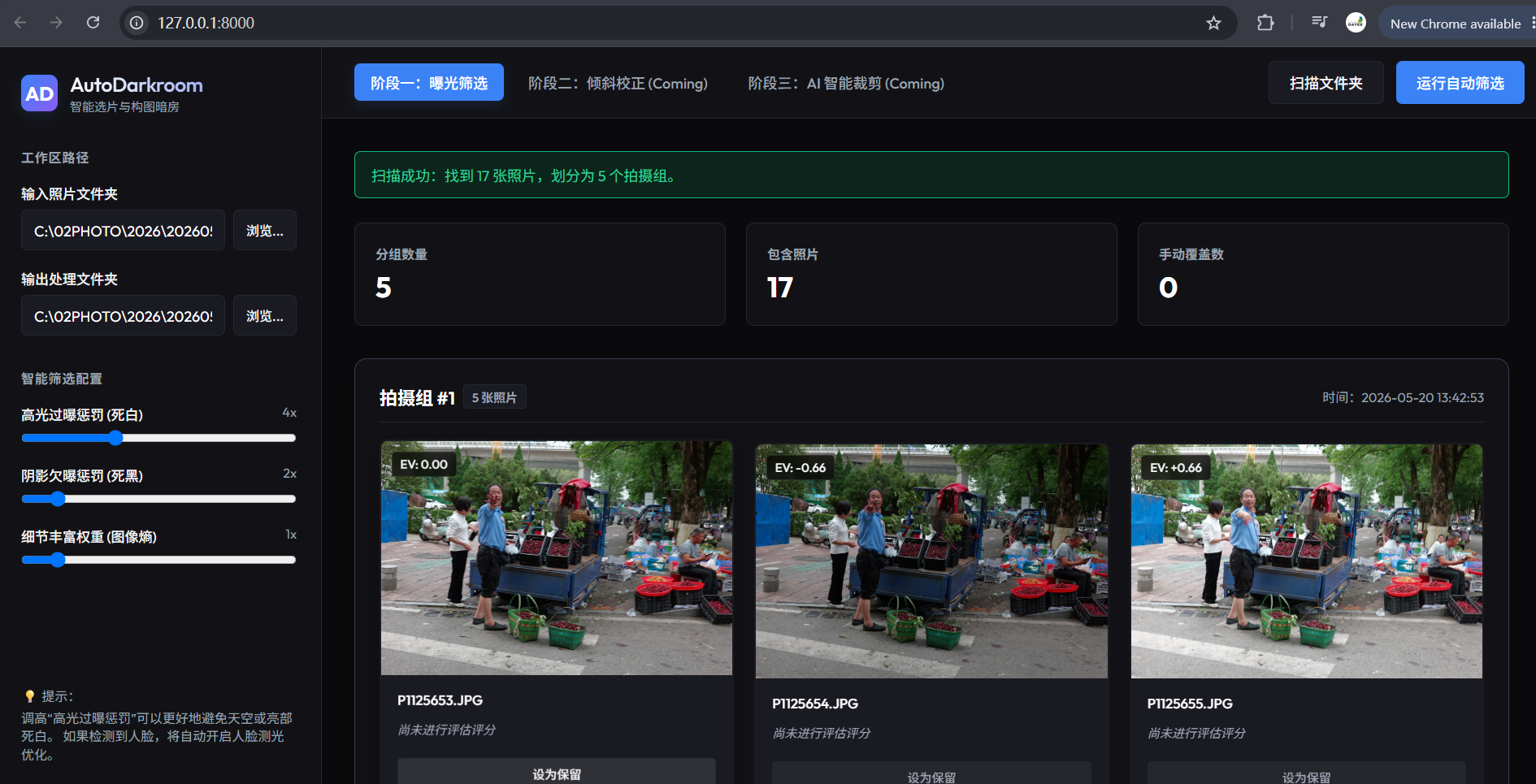
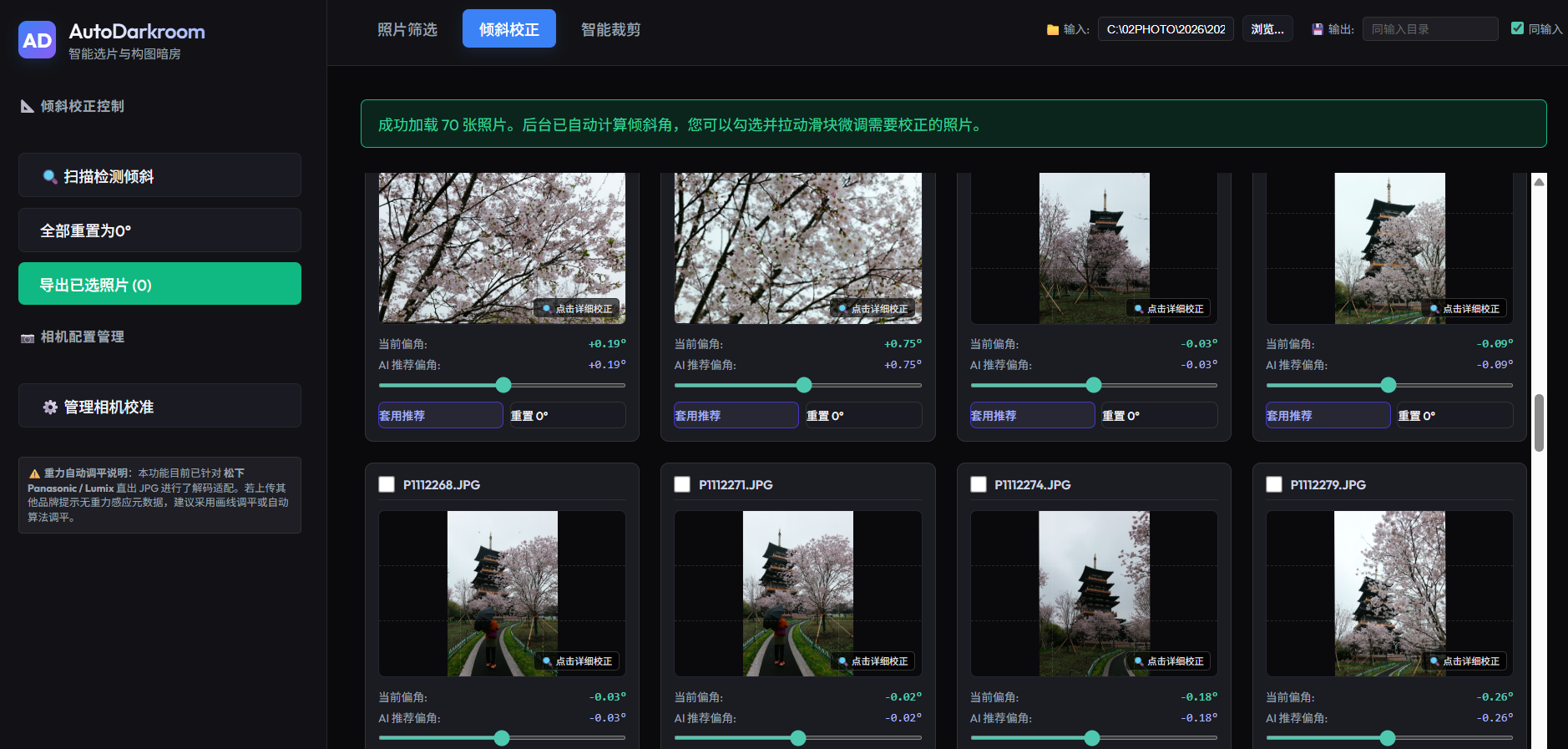
Review related shots together and keep the strongest frame without opening every file one by one.
Straighten horizons, correct orientation, and crop cleanly so a good photo feels finished.
Everything runs on your Mac. Your photos stay local, and the app works without uploading your library.
Made for everyday photo piles
AutoDarkroom is for ordinary photographers who want a calmer way to deal with too many photos. It turns a messy folder into a smaller set of images you actually want to keep, share, and revisit.
Review grouped photos and keep the one that feels right at a glance.
Use built-in camera data when available, or draw one line to fix the angle yourself.
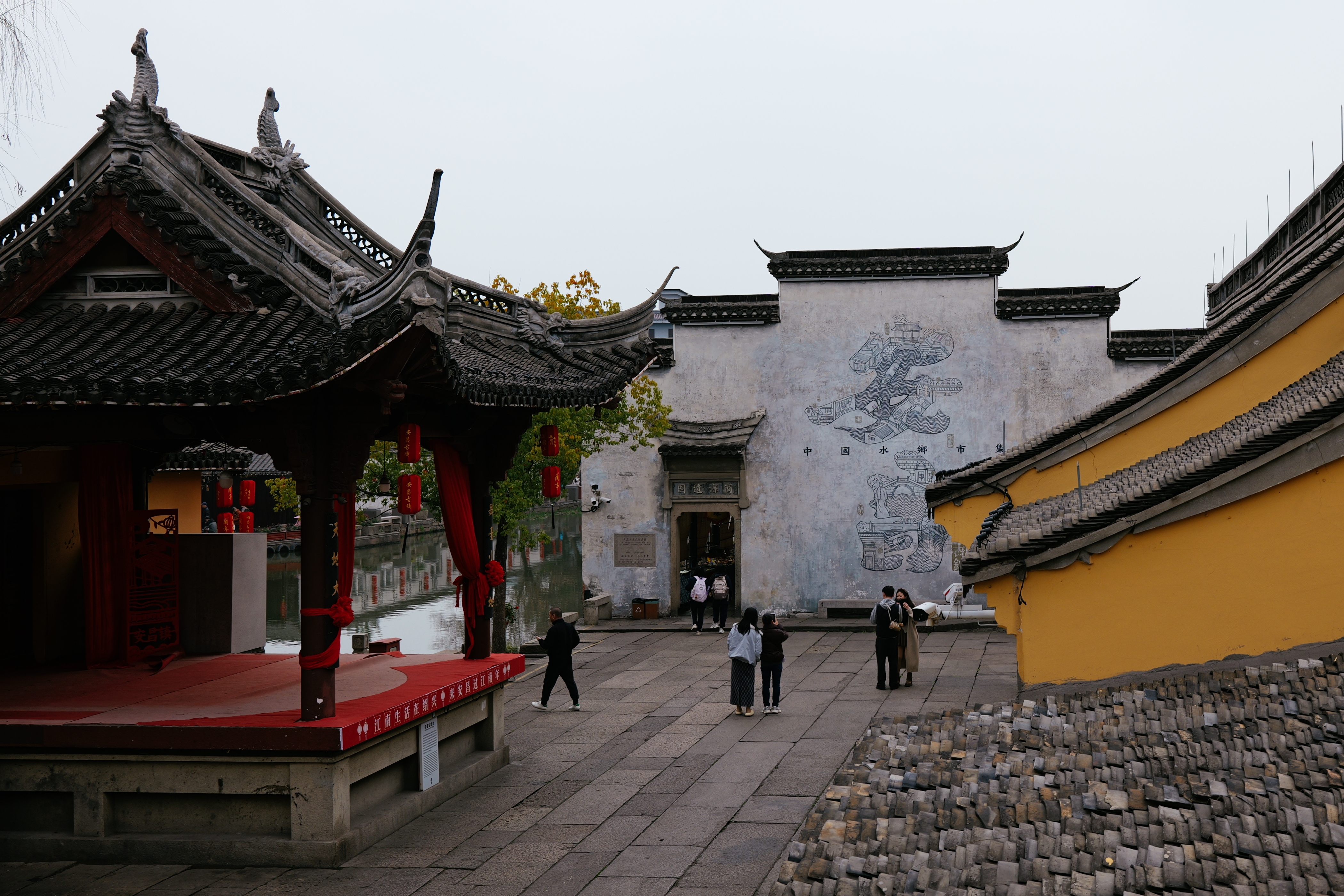
Use social-friendly framing for portraits, travel scenes, and clean compositions.
Add a richer color look with a simple strength control and local preview.
Make manual choices whenever you want. The app helps, but never takes over.
Your photos stay on your Mac. That matters for both privacy and App Store review.
Straighten with one line
When a photo feels almost right, mark the line that should be level. AutoDarkroom does the rest and keeps the result clean.
Ready when you are